If you are interested in tracking site variable and report generation, this module would will add the feature in revive ad server!!
The plugin offers two key features for the user they are,
Tracking of Site variable/value.
Reporting with date picker/entity and exporting data in csv format.
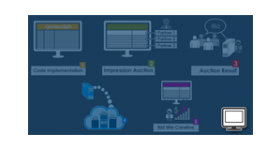
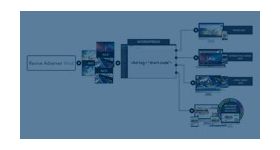
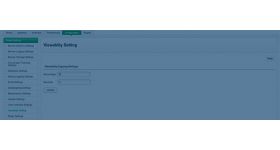
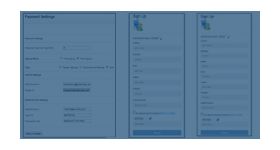
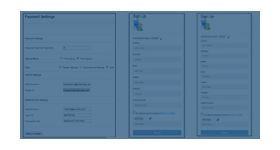
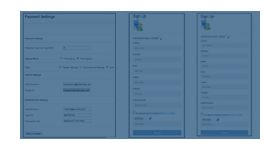
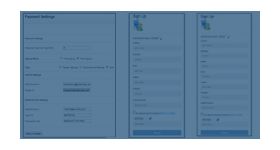
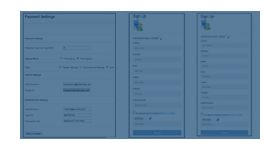
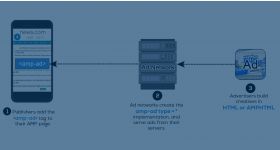
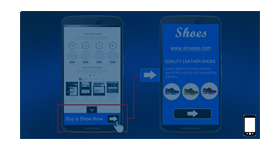
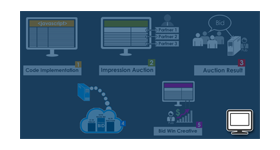
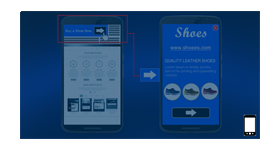
The plugin is used to track the site variable or value of a banner that matches with the ad tag site variable or value and provide reports for the same.
For example, if a user wants to limit a banner delivery of the site variable called location name = XXX, the ad tag site variable with the same location name will get delivered and the tracking will take place.
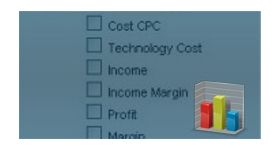
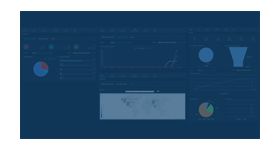
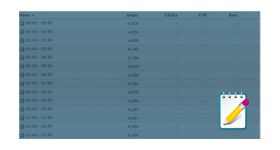
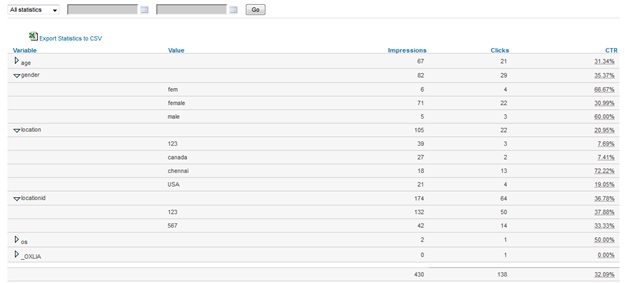
For the above example, a report contains variable name, value, impression, click, and CTR. of the particular location. And likewise, the user can track the other variables with different location name.
The report variables along with the value will get generated as dill down format for the entities like advertiser, campaign, banner, publishers, and zones. The user can generate the report in csv file.
Frequently Asked Questions
What does the Site Variable/Value Tracking and Reporting plugin track?
+
The plugin enables Revive Adserver to capture and report custom site variables and values passed with ad requests. This allows publishers and advertisers to track contextual data beyond standard impression and click metrics.
How can publishers use site variable tracking for campaign analysis?
+
Publishers can pass custom parameters such as content category, user segment, page type, or product information through ad tags. These values are recorded and included in reports for detailed campaign performance analysis.
Can this plugin be used to track eCommerce transaction values?
+
Yes. The plugin supports tracking numeric values such as transaction amounts, order values, or product prices. This helps eCommerce businesses correlate advertising activity with revenue-related events.
Does this tracking affect ad delivery performance?
+
No. The tracking functionality operates alongside standard ad serving and reporting processes. It records additional contextual data without impacting ad delivery speed or campaign pacing.
Where is the tracked variable data visible within Revive Adserver?
+
Tracked variables and values are available within Revive Adserver's reporting module. Administrators and campaign managers can filter, analyze, and compare performance data using the captured custom variables.